Printer Error Codes — All Brands
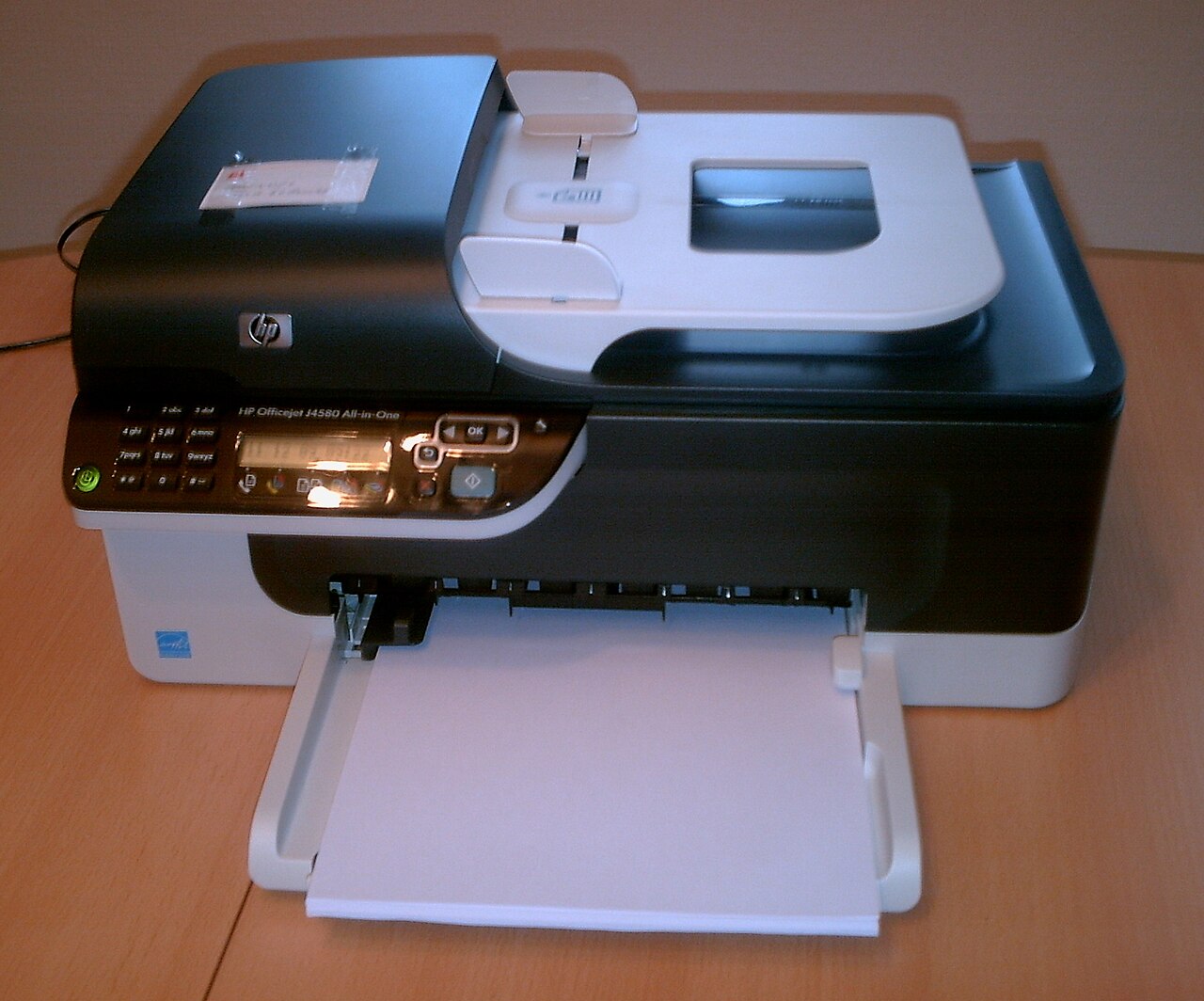
Browse 188 printer error codes & guides across 5 brands. Pick your brand below to see its full list, or start with the ones people look up most.
Not sure of the code? Tap along with it
If your Printer blinks or beeps a pattern instead of showing a code, tap the button in time with each blink or beep. A pause longer than a second and a half starts a new group - we will match the rhythm to a code.
The blink and beep codes on this page are from: Canon.
Your taps: -
By brand
- Brother Printer - 24 guides
- Canon Printer - 105 guides
- Epson Printer - 18 guides
- HP Printer - 26 guides
- Lexmark Printer - 15 guides
Most common printer codes
- Brother Cannot Detect — Cartridge not detected: a new ink cartridge was installed too quickly and the machine did not detect it, the cartridge is not installed…
- Canon 1000 — Out of paper: there is no paper in the rear tray, or the paper in the rear tray is not loaded properly (Shown as E02 on the printer's…
- Epson Communication error. Check the Wi-Fi/network connection — A wireless communication error occurred while scanning to a shared network folder. Epson's WF-3720/WF-4730 table for this message checks…
- HP 0x6100004a — Printer Failure 0x6100004a: a startup/paper-path failure, most often after a paper jam. HP's Knowledge Base article on this code says paper…
- Lexmark 200.02 — Paper jam in the standard tray area: 200.02 is one of the MX432/XM3142 200-family codes Lexmark routes to its 'Paper jam in the standard…
- Brother Cannot Print — Ink cartridge at end of life: one or more ink cartridges have reached the end of their life and the machine stops all print operations…
- Canon 1200 — Cover is open: the printer's cover is not closed Documented in the PIXMA TS3500 Online Manual.
- Epson DNS error. Check DNS settings — A DNS communication error occurred while scanning to a shared folder over the network: the product cannot resolve the destination…
- HP 10.XXXX Supply Error — Cartridge e-label (chip) error: the printer cannot read the e-label on one of the print cartridges, or it is missing. The digits name the…
- Lexmark 280.11 — Scanner jam in the automatic document feeder: 280.11 (with 280.13, 280.15 and 680.20) is the MX432/XM3142 scanner-jam family, routed by…
- Brother Cartridge Error — The toner cartridge named on the second line of the LCD is not installed correctly. Brother's HL-L32xx guide action: remove that colour's…
- Canon 1203 — Cover opened during printing: the cover was opened while a job was printing (Shown as E03 on the printer's segment LCD.) Documented in the…
Looking for a part?
Once you know the part you need, browse replacement parts by brand →